1 HD
1 credit = 1 HD photo, no watermark
PhotoRenov improves blurry, dark or damaged photos. In the browser. Nothing to install. An HD file, with no watermark.
1 HD
1 credit = 1 HD photo, no watermark
Nothing to learn. Nothing to install.
We lift blur, shadow and heavy grain. Natural texture, not plastic skin.
Restore lifts a damaged photo. The analog looks only work when the starting photo matches the conditions.
Nothing to install. An account, a payment, then the file. A few minutes per photo.
The difference
Restore, Dirty flash, Y2K. Same framing. After on the left, before on the right.
Portrait de nuit, rendu Dirty flash. Drag the handle, or use the arrow keys
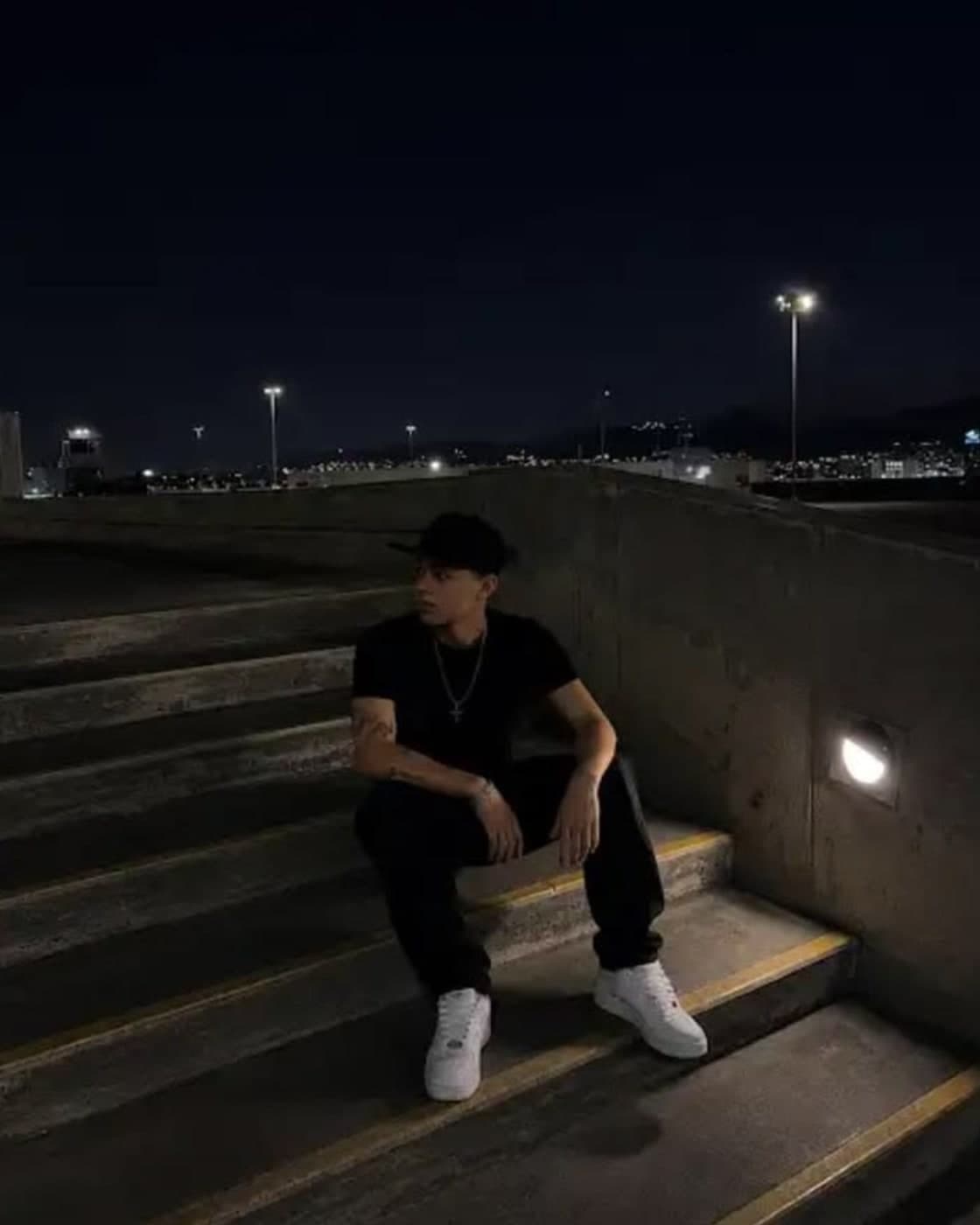

Même personne, même escalier. Le flash compacte éclaire le premier plan.
Improve my photoYou know this
This is not editing software. You send the photo. You get the HD file back.
The memory is there. The file is not.
Too dark, too blown out: you no longer dare to send it.
It stays on your phone. PhotoRenov makes it shareable.
How it works
Nothing to install. An account, a payment, then the file. A few minutes per photo.
01
Phone or computer. JPG, PNG, WEBP, HEIC — up to 10 per upload.
02
Restore, or a look (Dirty flash, Kodak Gold, Y2K, Night film). 1 credit = 1 HD photo. We start from your file.
03
No watermark. Download it right away: we do not keep your files.
Looks
Restore lifts a damaged photo. The analog looks only work when the starting photo matches the conditions.
We lift blur, shadow and heavy grain. Natural texture, not plastic skin.
Use it on
Avoid
Portrait de nuit, rendu Dirty flash. Drag the handle, or use the arrow keys
2003–2008 compact: hard frontal flash, slightly blown faces, a background that falls off, CCD sensor noise.
Use it on
Avoid
Gold 200 film, 35 mm, balanced for daylight. Warm tones, fine grain, soft contrast. No added flash.
Use it on
Avoid
Portrait de nuit, rendu Y2K. Drag the handle, or use the arrow keys
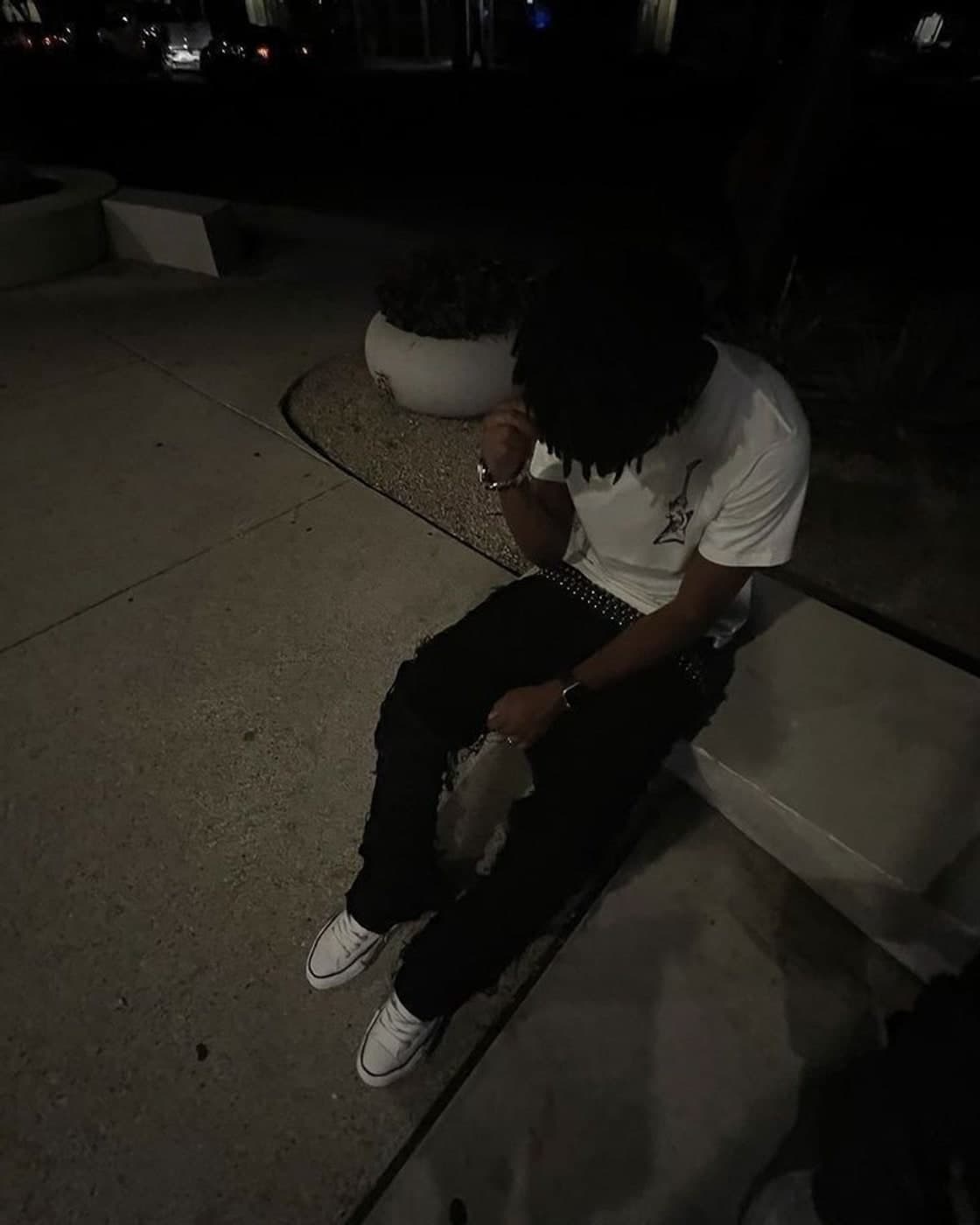
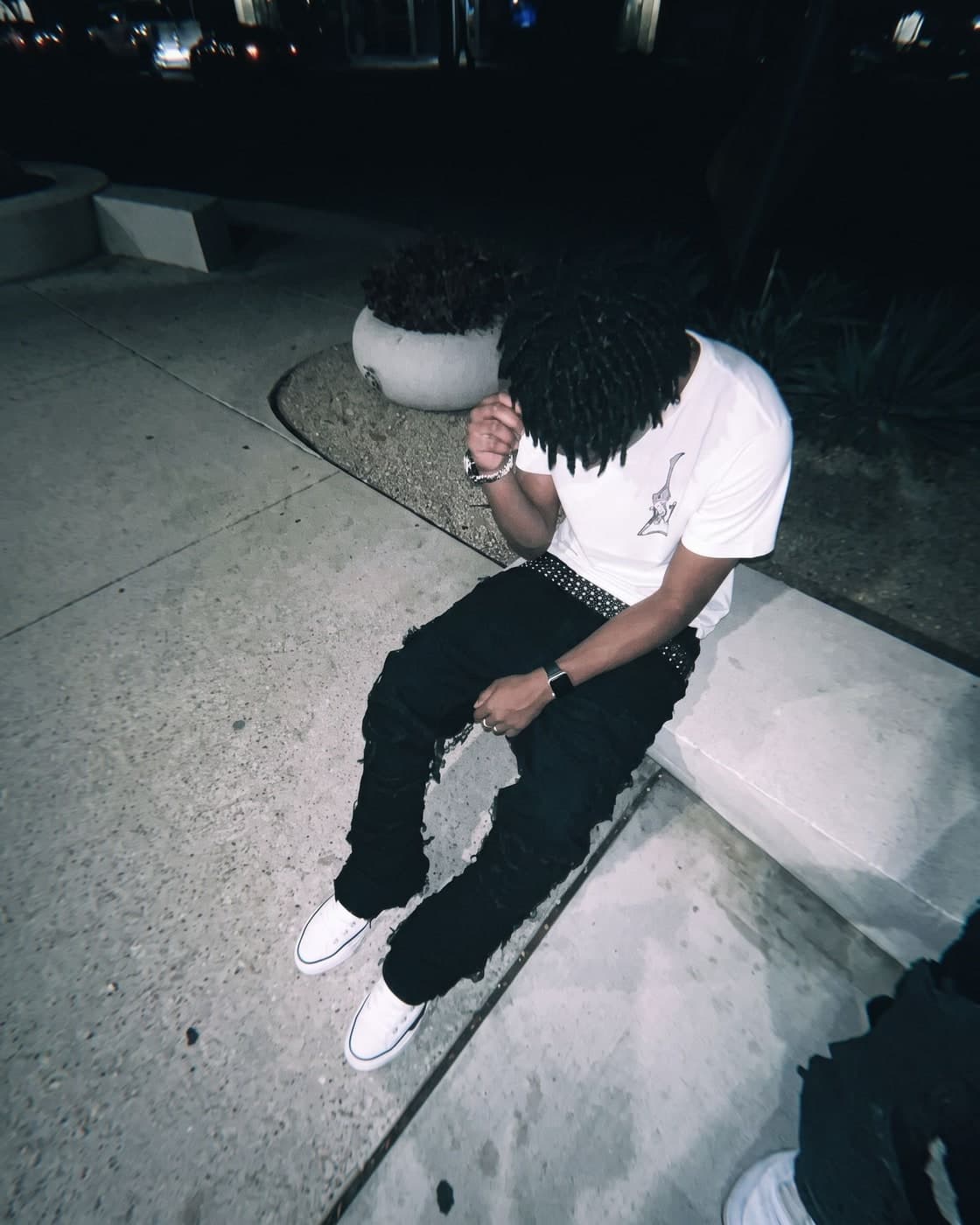
Cyber-shot / PowerShot 2002–2006: built-in flash, cold whites, cyan, compact-camera noise.
Use it on
Avoid
35 mm at night: analog grain, halos around light sources, streetlights and signs. Not a cinema still.
Use it on
Avoid
Before / after
Three real cases. Drag across each photo.
Blurry photo. Drag the handle, or use the arrow keys
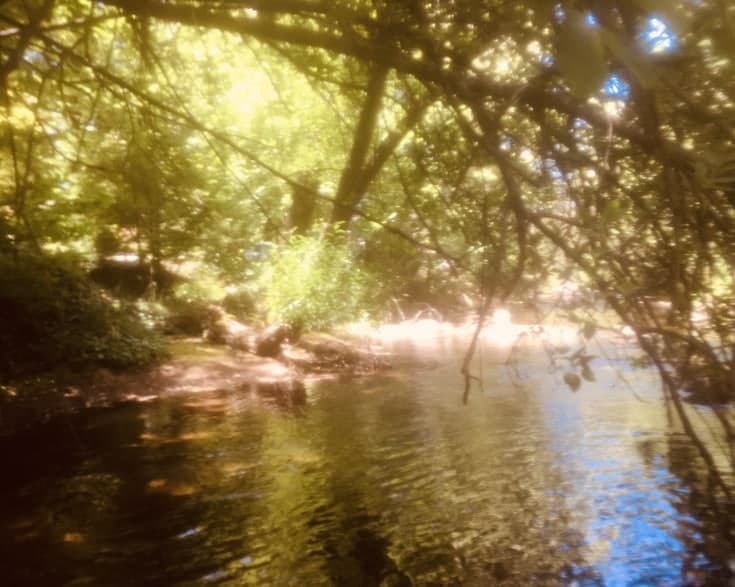
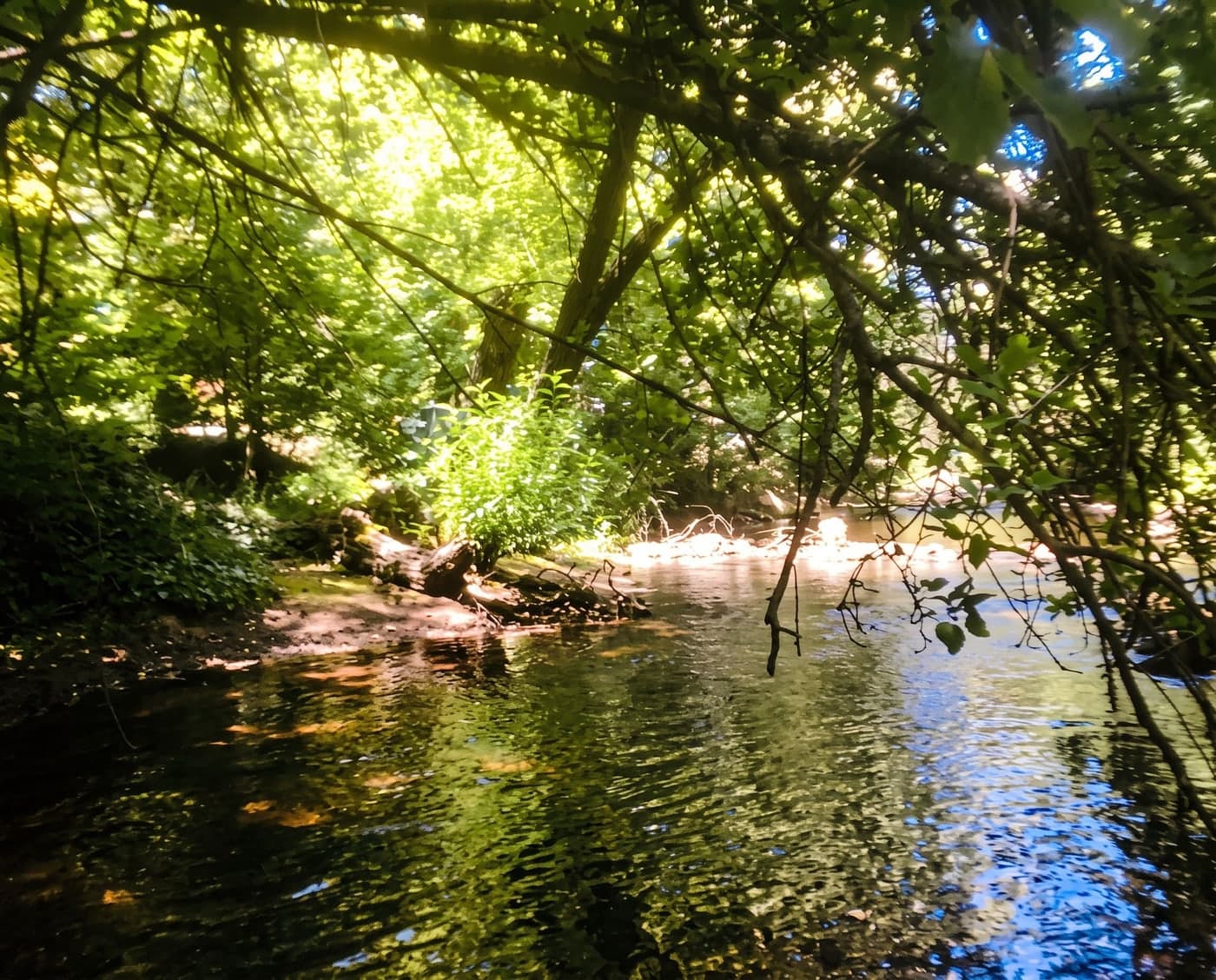
The edges come back. The place stays the same.
Photo too bright. Drag the handle, or use the arrow keys
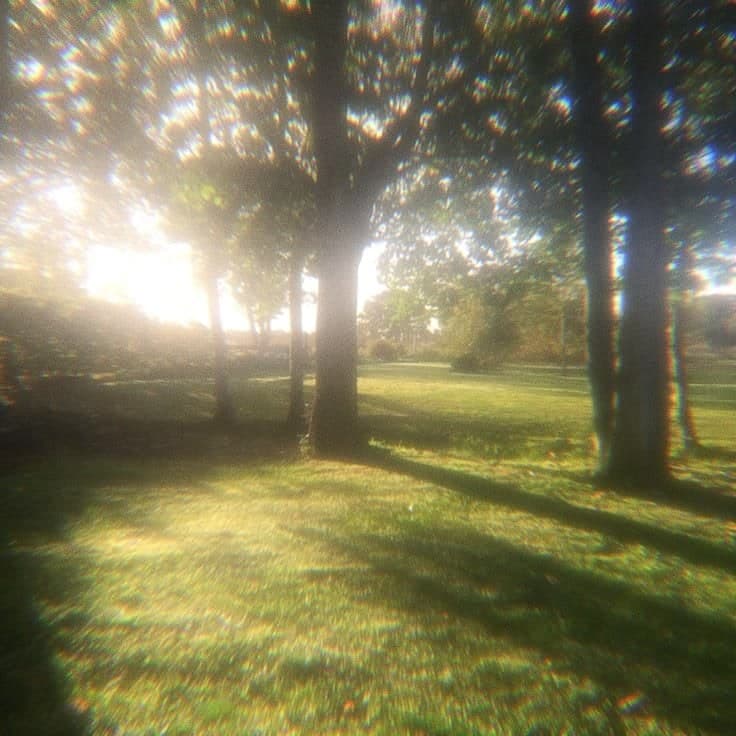
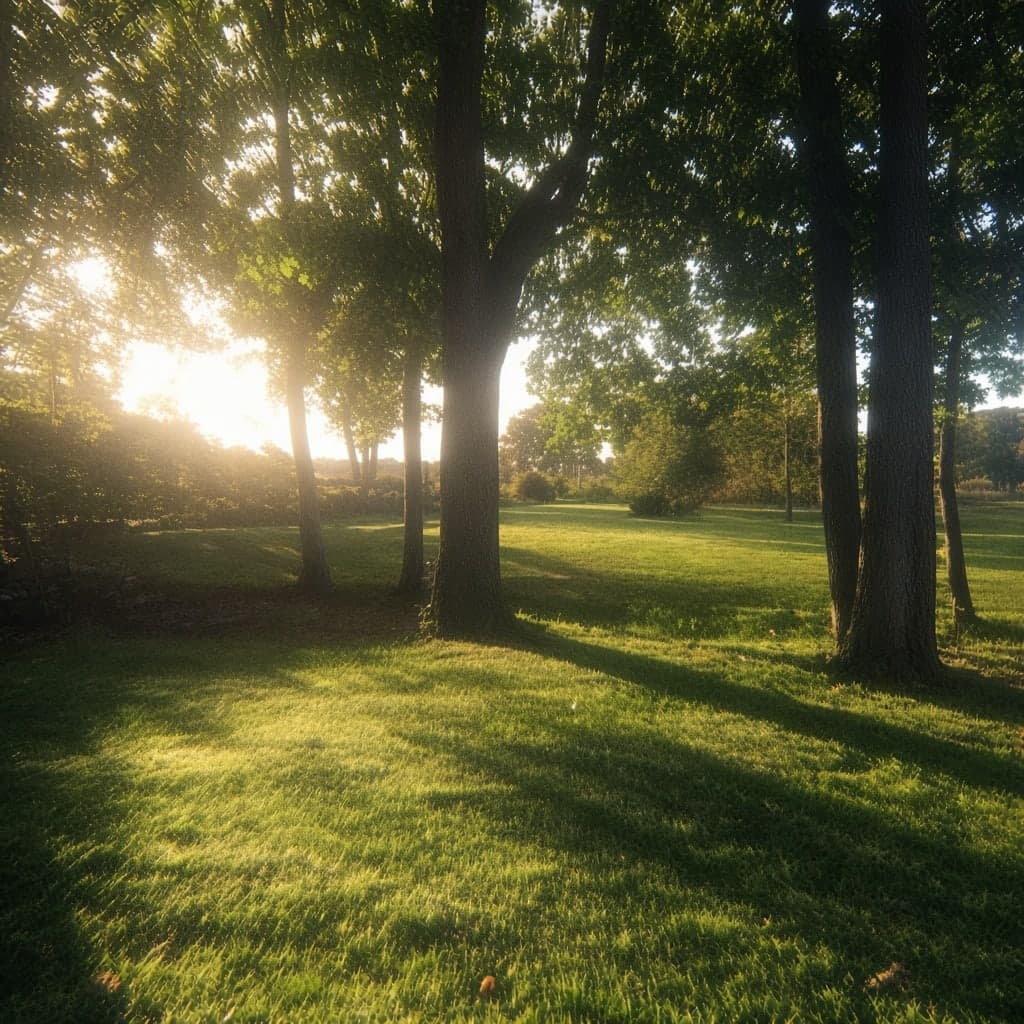
The grass and the sky can be read again. Not a different day.
Washed-out photo. Drag the handle, or use the arrow keys
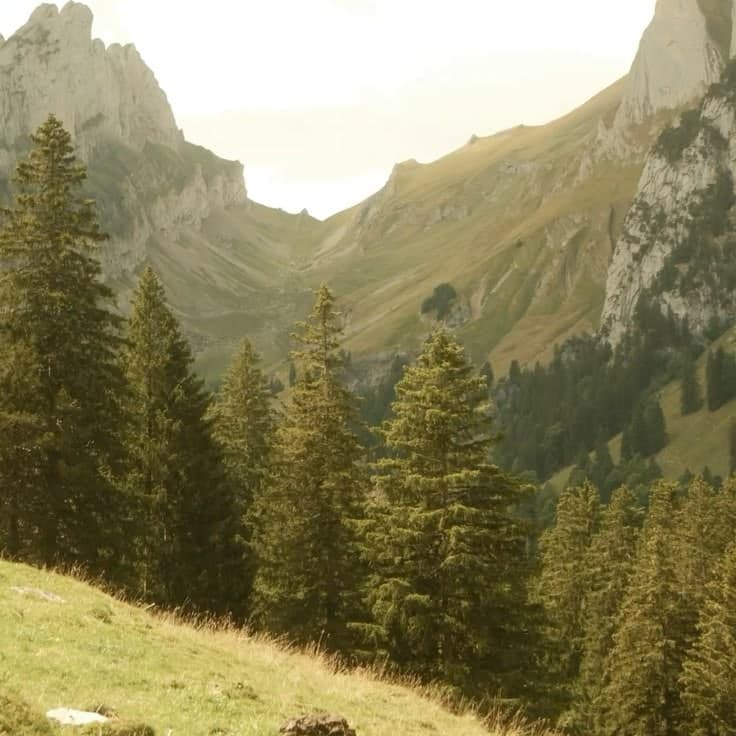
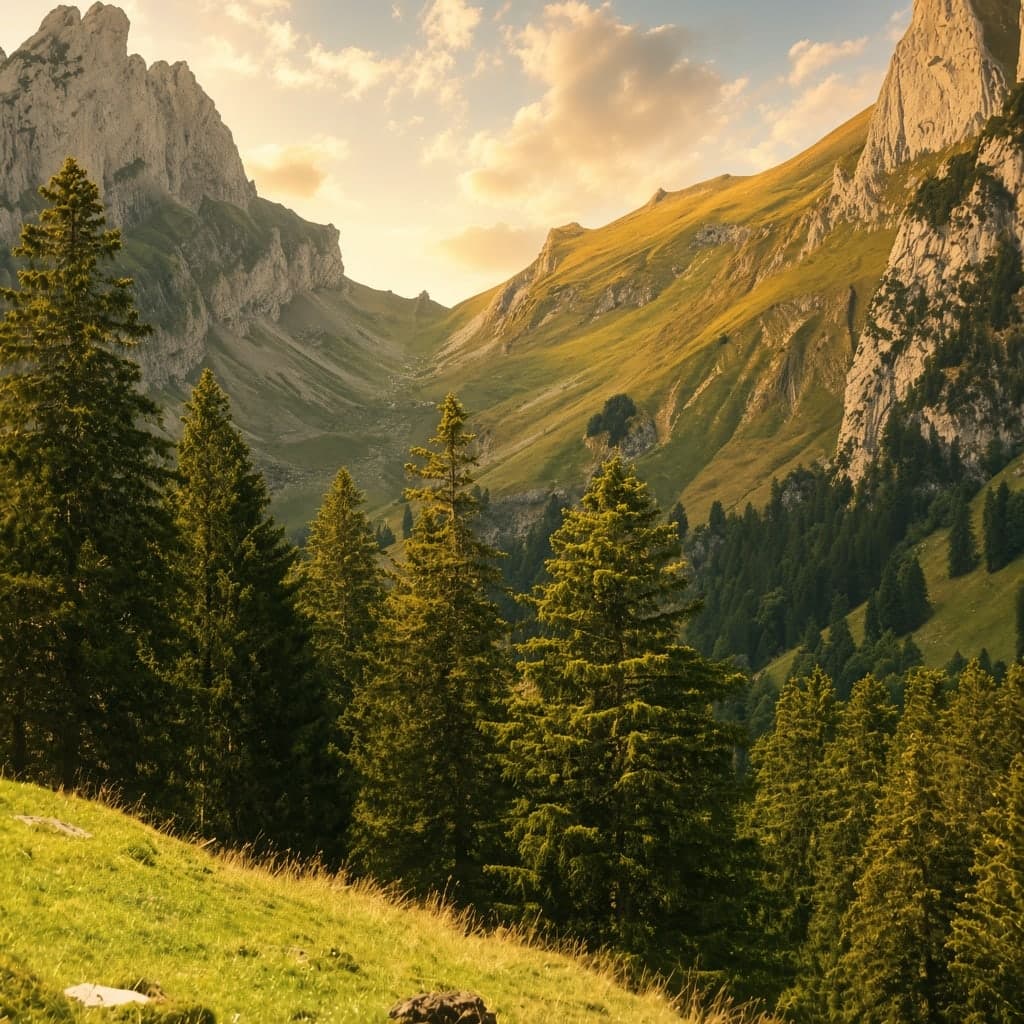
The haze pulls back. The framing does not move.
Why PhotoRenov
Photoshop takes time to learn. Here you drop the photo, you pay for the photo, you leave with the file.
| Critère | PhotoRenov | Editing software |
|---|---|---|
| Where | In the browser | Something to install |
| Skill | None | Layers, presets, hours |
| Payment | Credits, one payment | Often a subscription |
| Result | HD, no watermark | Depends on the export |
Avant de payer
No editing skills needed. It happens in the browser. Stripe payment. We do not archive your photos, and we do not use them to train a model. GDPR. Made in France.
Aucune compétence en retouche
Vous envoyez le fichier. PhotoRenov s’occupe du reste.
Directement dans le navigateur
Téléphone ou ordinateur. Rien à installer.
No photo archive
Téléchargez le HD tout de suite. On n’archive pas vos fichiers.
No photos used to train AI
Aucune de vos photos n’entraîne un modèle. Conformité RGPD.
No subscription
Create an account and open the studio: packs and the price per photo appear when you pay. 1 credit = 1 HD photo, no watermark.
Credits do not expire. They stay on your email address.
See pricing in the studioAccount required. No subscription. Credits do not expire.
Questions
No. PhotoRenov opens in the browser, on a phone or a computer.
Yes. Safari or Chrome. JPG, PNG, WEBP and HEIC (iPhone).
Blur, too dark, a scan: Restore. Night, or a room that is already too dark, subject under 3 m: Dirty flash. Daylight and golden hour: Kodak Gold. A dark indoor selfie, often in a mirror: Y2K. A real night street, with streetlights or signs in the frame: Night film. Same person, same framing.
A few minutes per photo, depending on the queue. Stay on the page: the HD file downloads as soon as it is ready.
An HD file, with no watermark. 1 credit = 1 photo.
Yes, as soon as processing finishes. Download it right away: we do not keep the files.
They are used only to produce your HD file. Never to train a model. No archive: once downloaded, they are deleted.
Yes. Email and password. Then you upload the photos, buy credits, and we generate the HD file.
No. One payment, then credits. They do not expire. Pack prices appear in the studio once you are signed in.
Dirty flash and Y2K recreate a small compact-camera flash: it only shows if the scene is already dark and the subject is close (under 3 m). In daylight there is nothing to light. Kodak Gold is the opposite: an ISO 200 daylight film — sun, hazy sky, open shade, golden hour; not night, and not indoor lamps (orange or green cast). Night film: after dusk, with at least one light already in the photo (streetlight, sign, headlights).
The digital file is delivered as soon as processing finishes — the right of withdrawal no longer applies, as stated before payment. If processing fails technically, the credit is returned.
Send it. See the difference. An HD file, no subscription.
Improve my photoNo subscription · 1 credit = 1 HD
Improve my photo